 Cashington
Guides
How to do things in Cashington
Short, step-by-step guides with a screenshot for every step. The screenshots come from the real app running an invented household, so every name and number in them is made up.
Updated October 2026 · Cashington 0.2.3
Start here
Set up a new ledger: accounts, your first statement or an optional bank connection, then Money in for what you earn and Money out for what you pay every month.
-
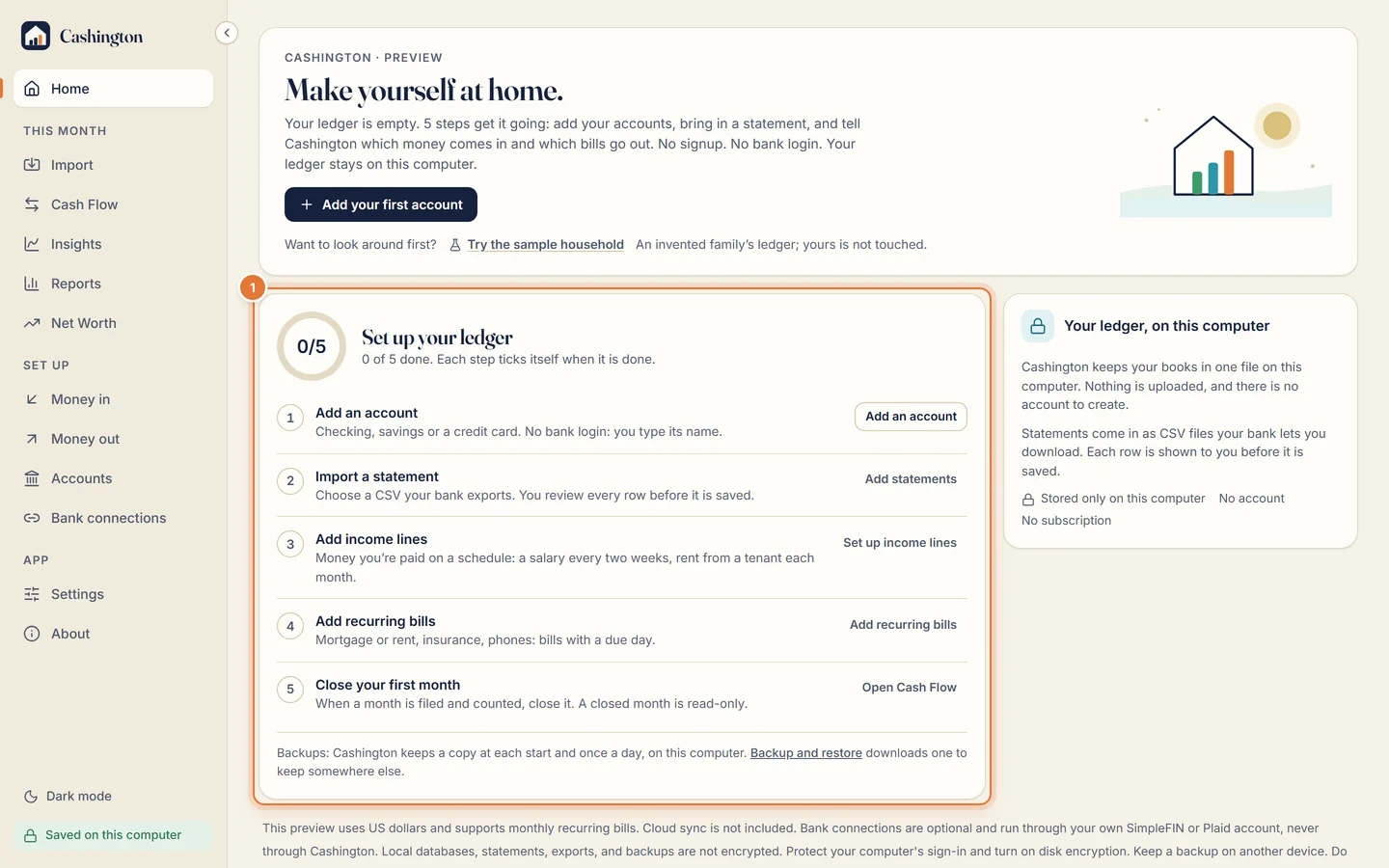
Get started
Add your first account and follow the five-step checklist on Home.
-
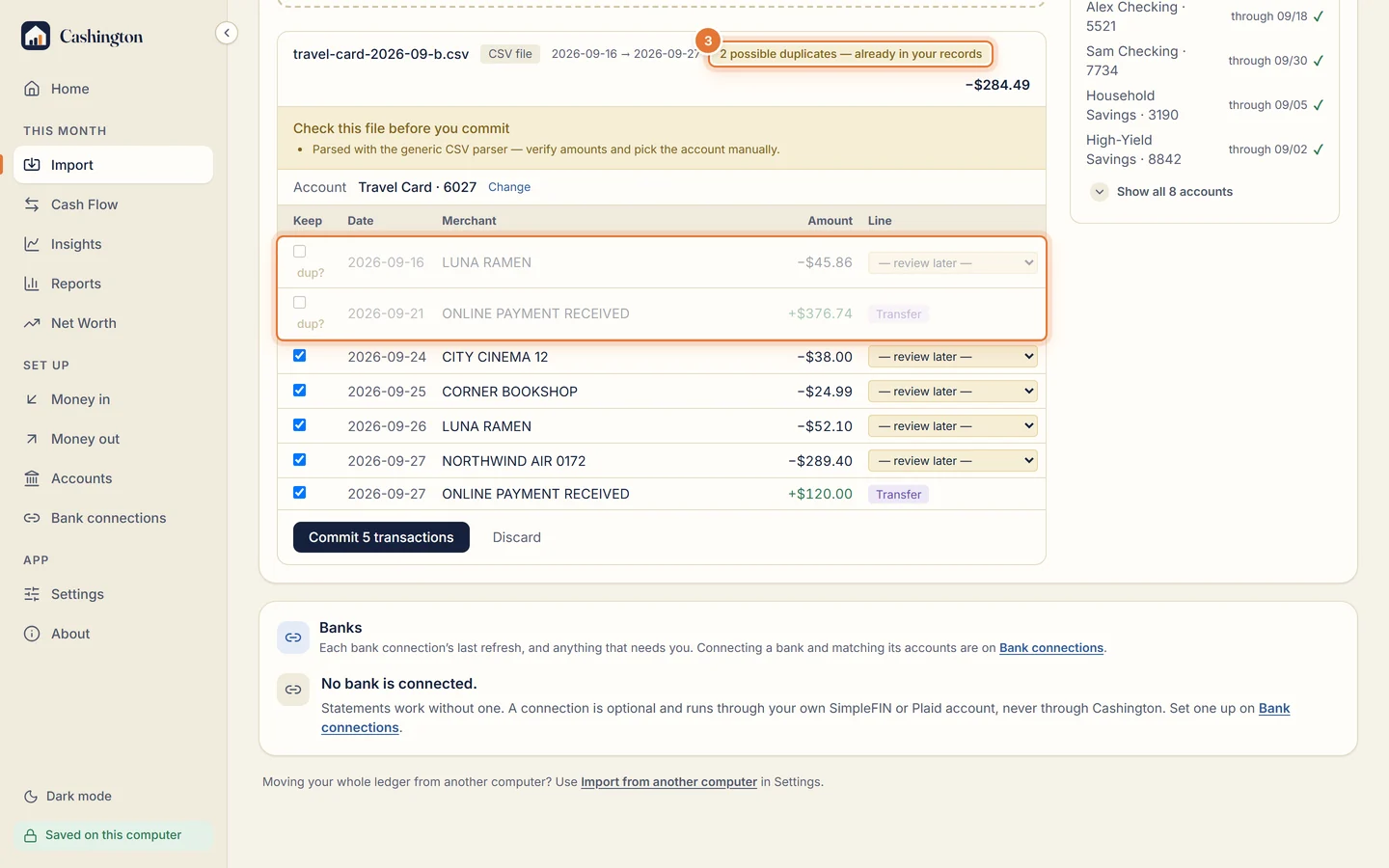
Import a bank statement
Bring in a CSV from your bank or card, check every row, then commit.
-
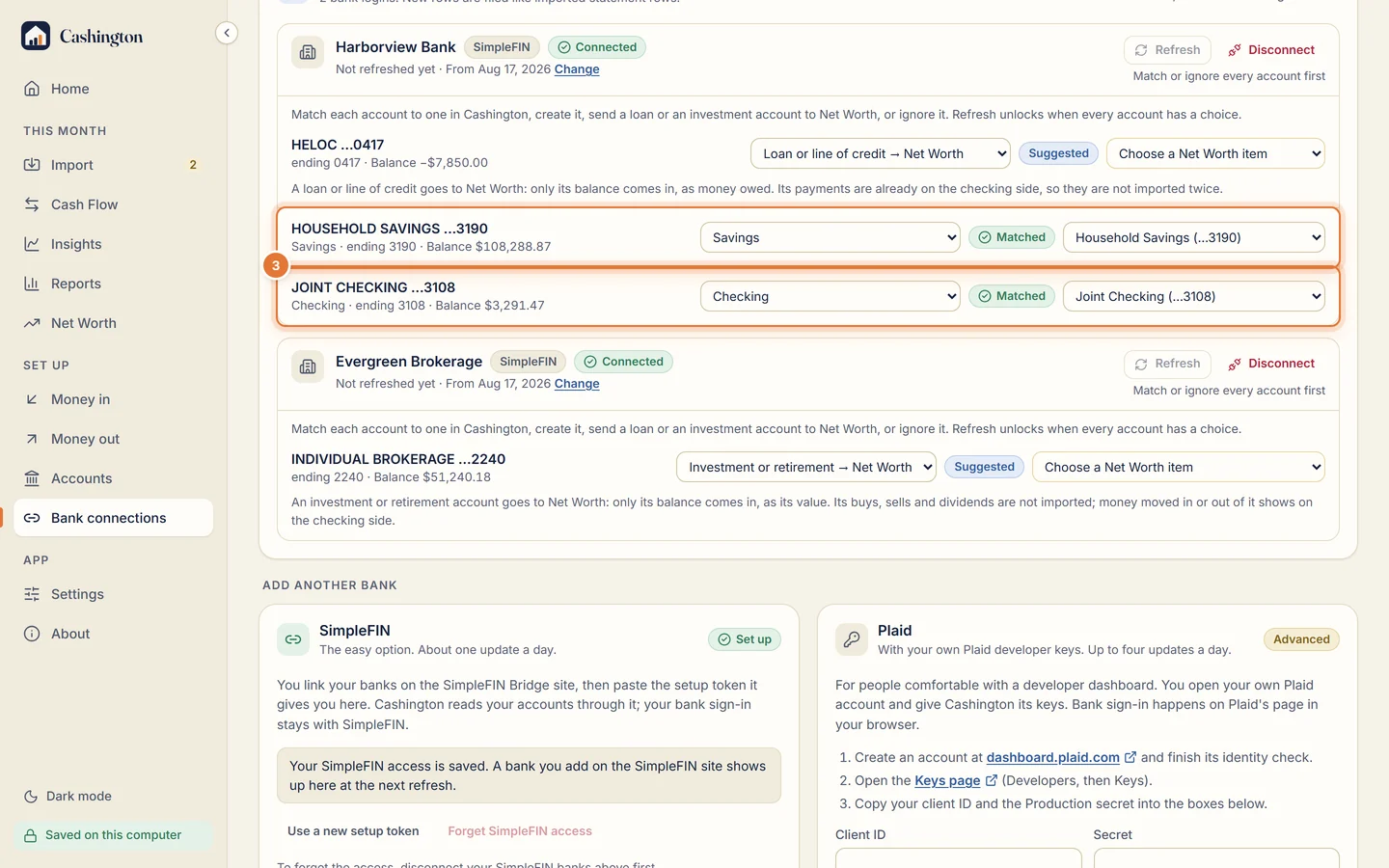
Connect your banks
Bring in new rows and balances through SimpleFIN or your own Plaid keys, and refresh them on Import.
-
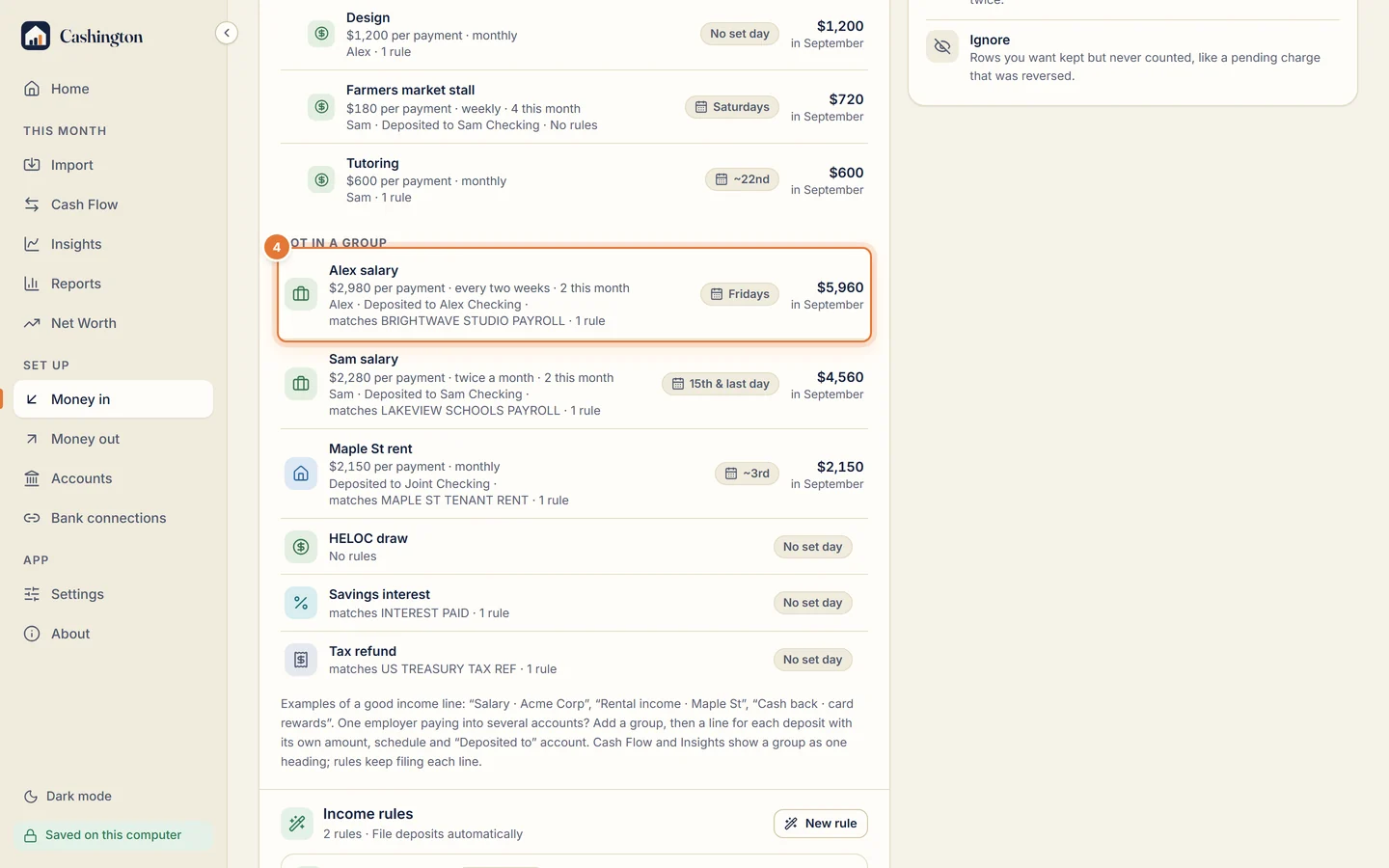
Set up income lines
Tell Cashington what you're paid and how often, so each month knows what to expect.
-
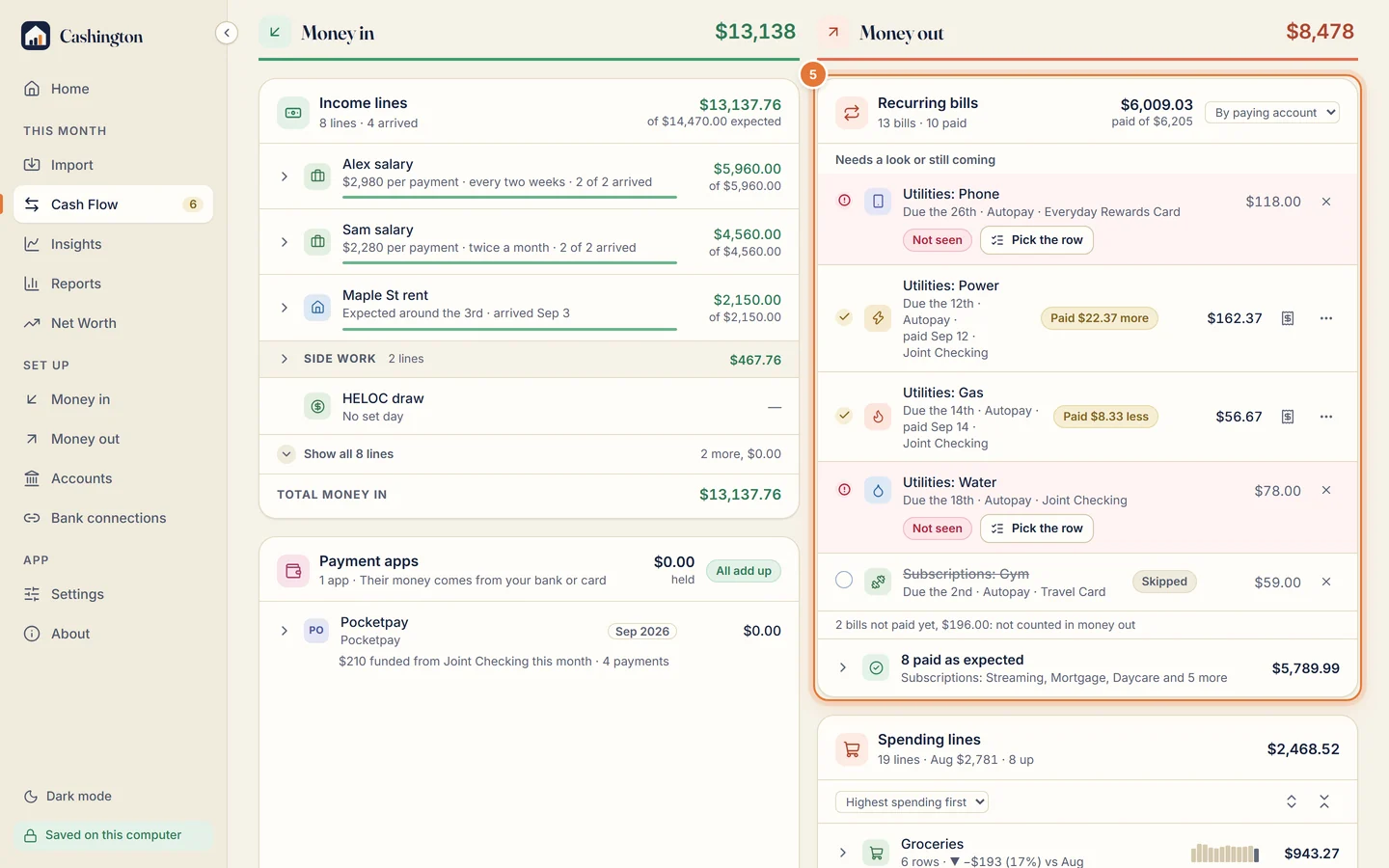
Add recurring bills
List the bills that come every month, and let Cash Flow show which are paid, late or different.
Every month
The routine: file what came in, fix what's off, close the month and see where it went.
-
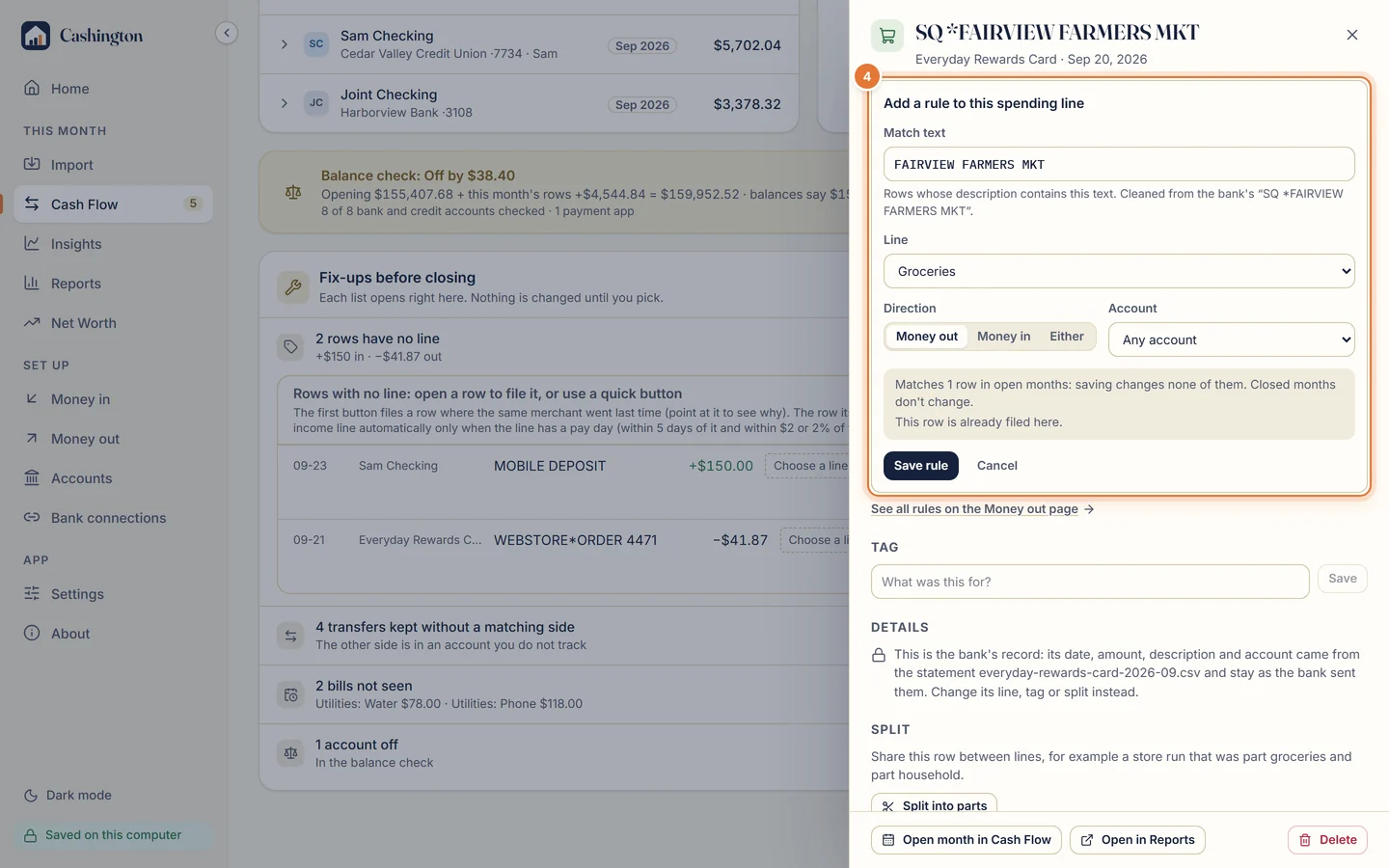
File rows and save rules
Give every row a line, and let rules file the same merchants for you next time.
-
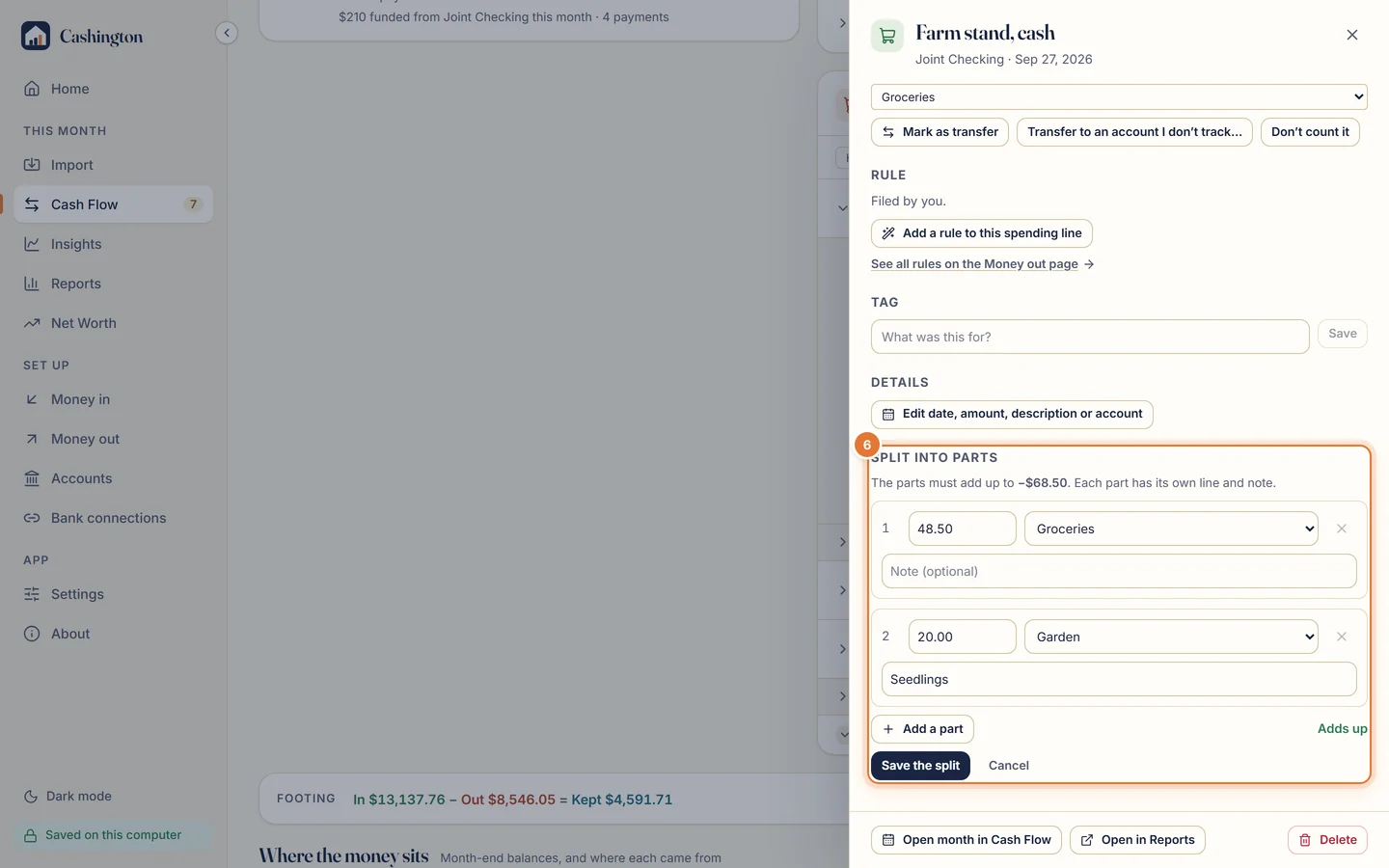
Add, edit and split a transaction
Add a cash purchase by hand, fix it later, and split one row between lines.
-
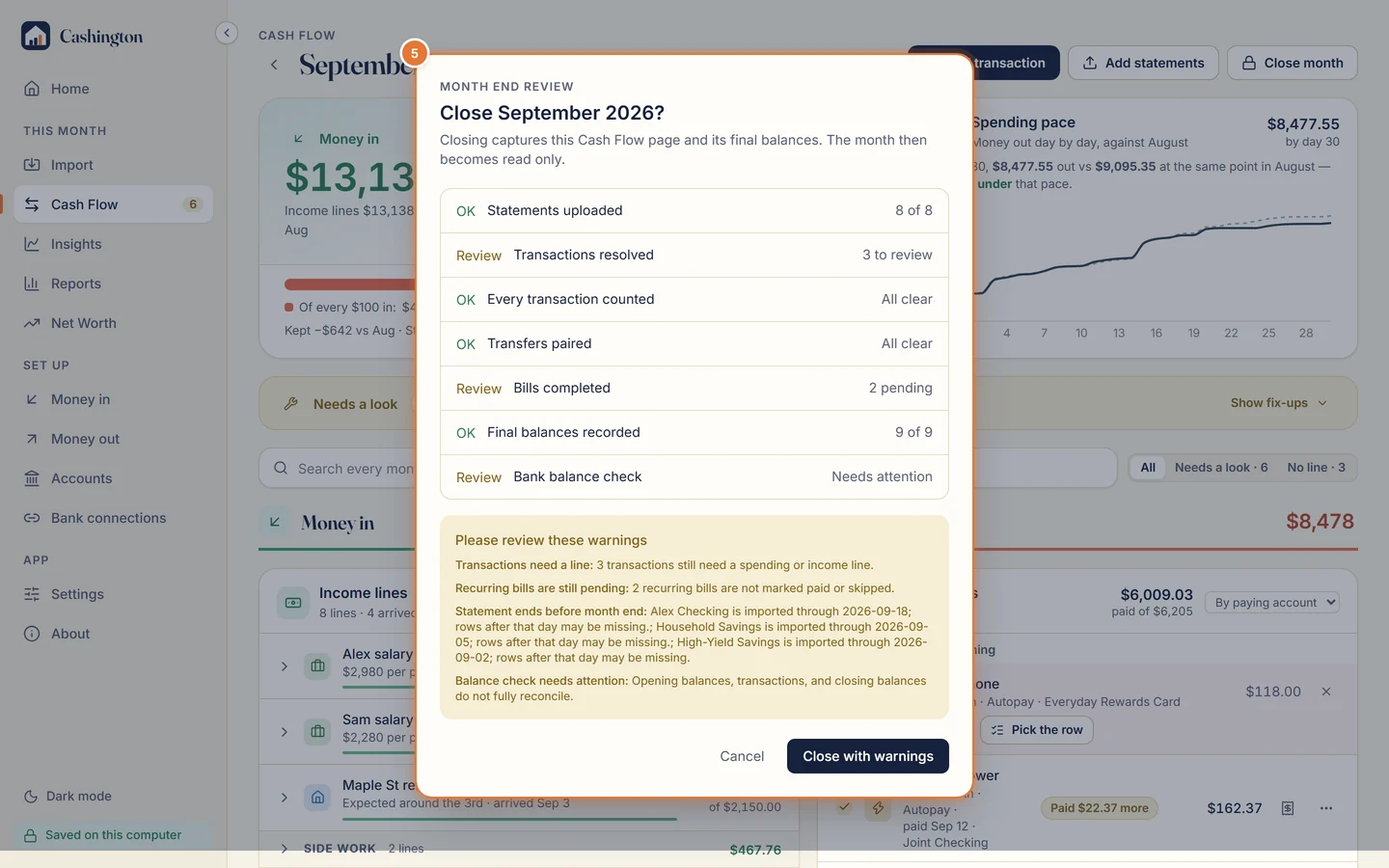
Close a month
Check the balances, clear what's left, and lock the month.
-
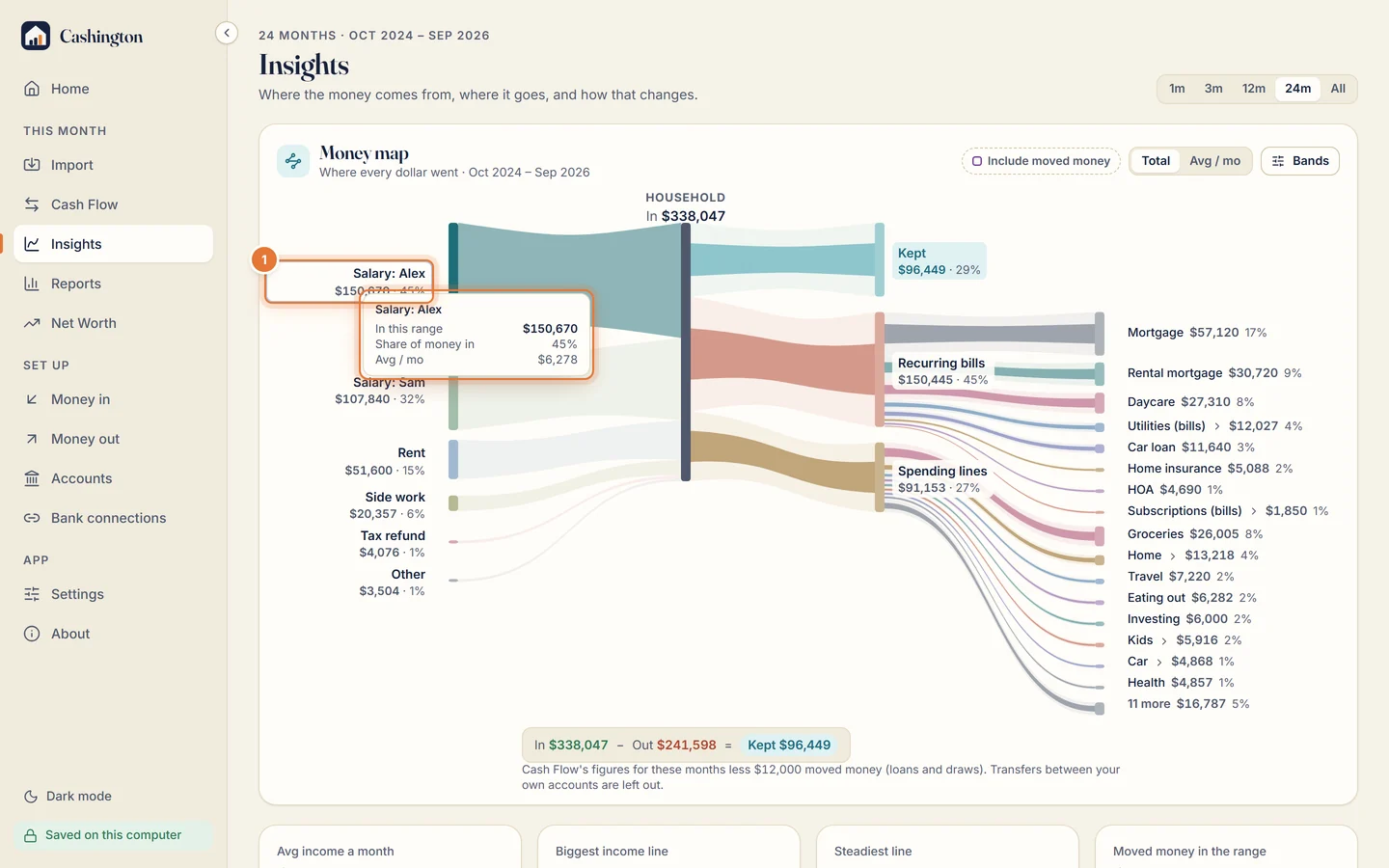
Read Insights and drill down
Follow the money from income to bills and spending, then open the rows behind any figure.
Now and then
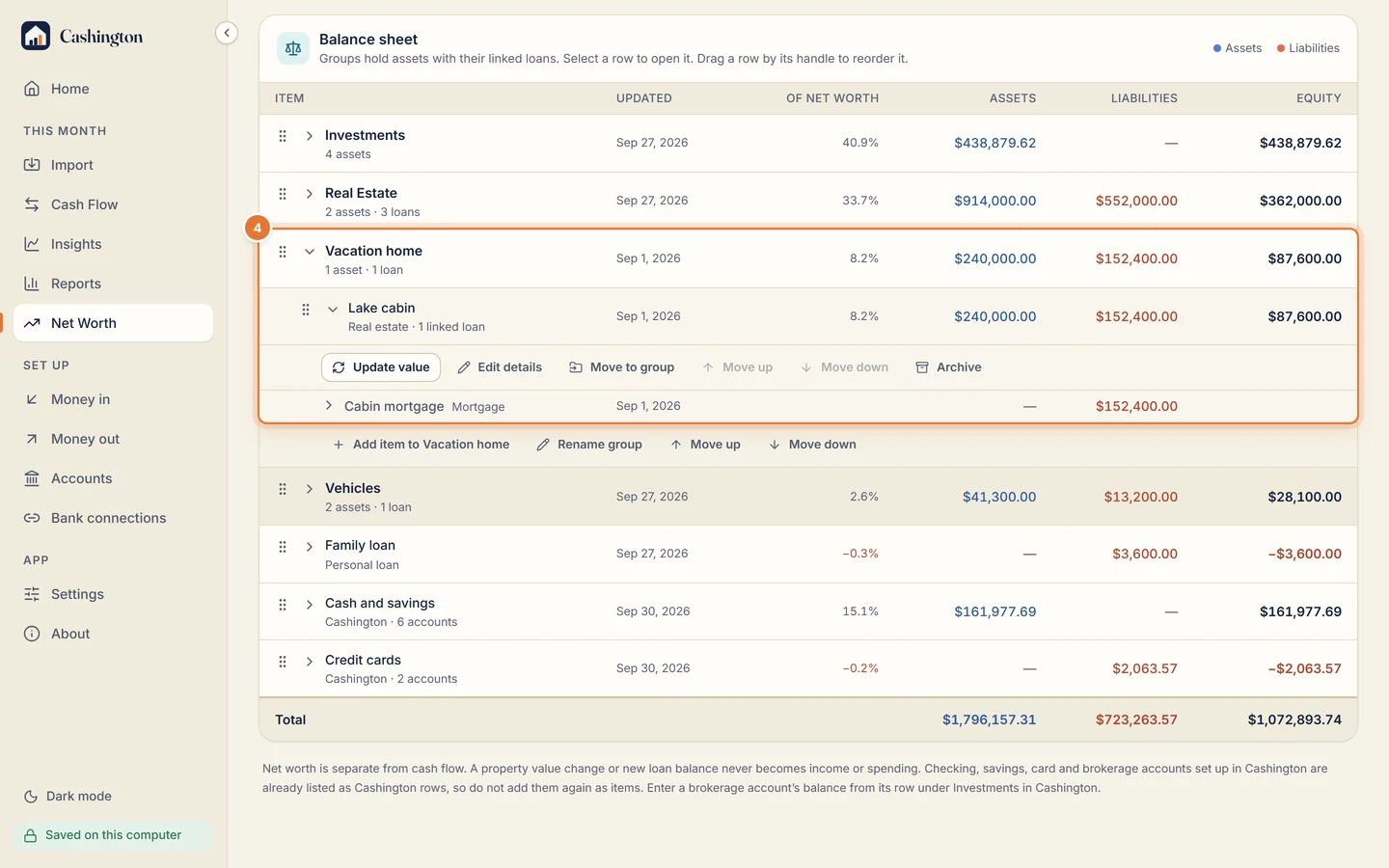
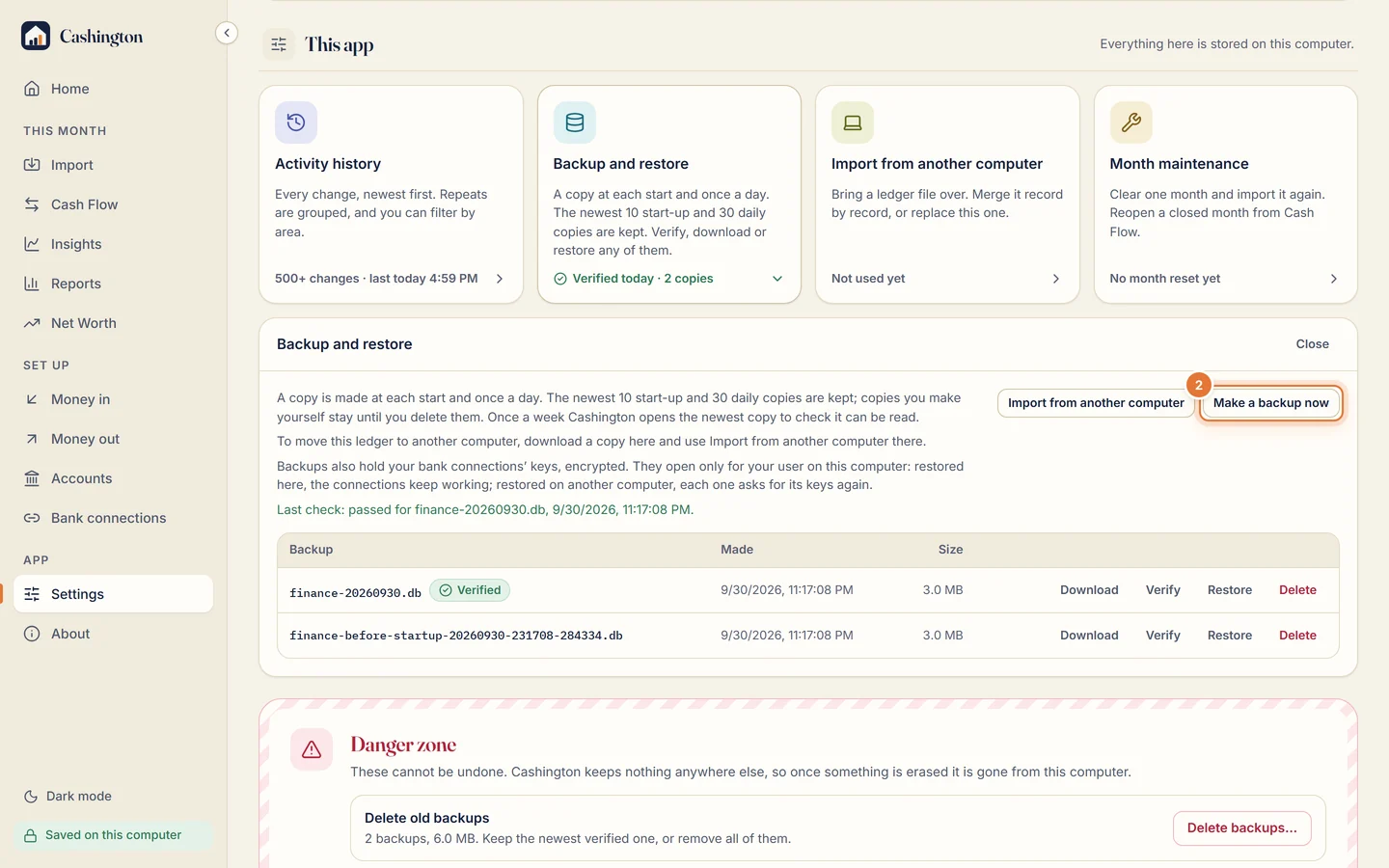
The balance sheet, backups, and moving your ledger to another computer.
Can't find what you need? Ask a question or report a problem on the feedback board.